Ways to Create and Sign Into Your Zeninbox Account
Written By lucidgrowth
Last updated Over 1 year ago
Introduction
This article provides a guide on the different ways to create and sign into your Zeninbox account. It outlines the available methods, making it easier for you to access Zeninbox based on your preferred approach.
Purpose and Benefits
Creating and signing into your Zeninbox account is straightforward, with multiple options to suit your needs. Whether you’re new to Zeninbox or signing in for the first time, these methods ensure a seamless experience.
Simplified Setup: Quickly create an account using your preferred method, including email or Single Sign-On (SSO).
Secure Access: Each method ensures your account remains protected, providing flexibility without compromising security.
Convenient Options: Use existing credentials from popular platforms like Google or Microsoft for quicker access.
Prerequisites
Valid Email Address: Required for account creation or to receive login credentials.
Step-by-Step Instructions
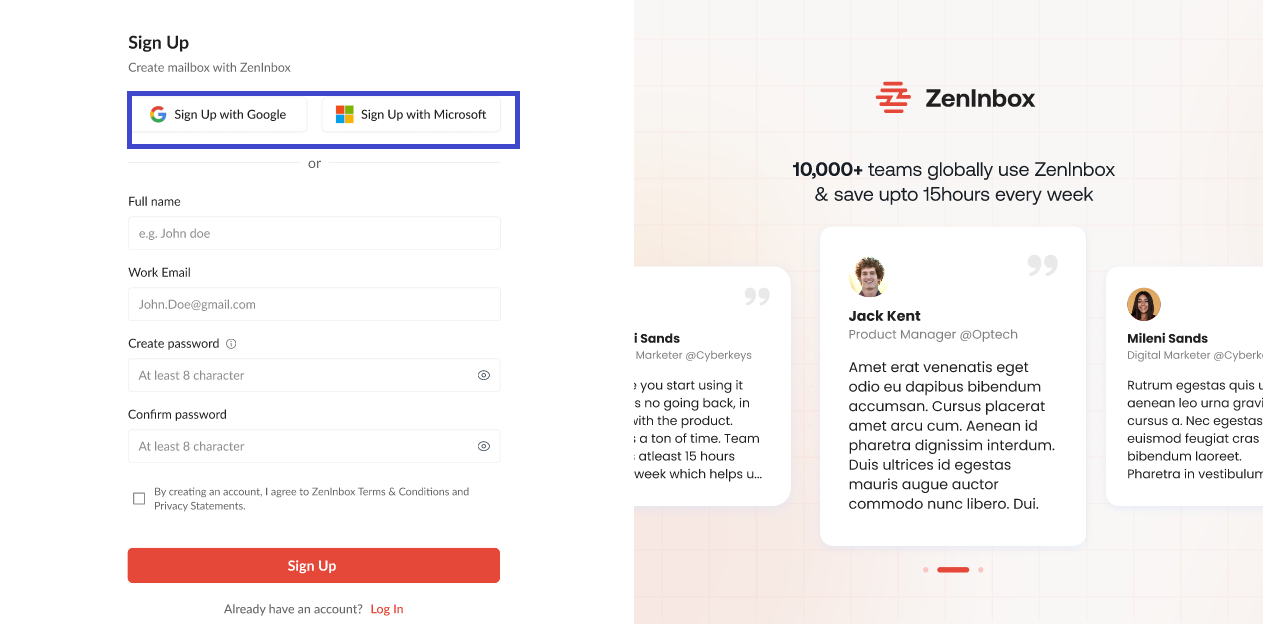
1. Create an Account Using Email
Visit Zeninbox Sign-Up Page.
Click on Try for free.
Enter your name and email address and create a password.
Click Sign Up.
Check your email for a verification link and click it to verify your account.
2. Create an Account Using Single Sign-On (SSO)
On the Zeninbox login page, click Sign in with SSO.
Select your organization’s identity provider (e.g., Google, Microsoft).
You will be redirected to your identity provider’s login page. Enter your credentials.
Once authenticated, you’ll be automatically logged into Zeninbox.
3. Sign In with Email and Password
Go to the Zeninbox Login Page.
Enter your email address and password.
Click Sign In to access your Zeninbox account.
4. Sign In Using SSO
Click Sign in with SSO on the login page.
Select your identity provider (e.g., Google Workspace, Microsoft).
Authenticate using your provider’s login page.
You’ll be redirected back to Zeninbox and signed in automatically.
Additional Tips and Best Practices
Use SSO for Faster Access: If your organization uses SSO, this is the quickest way to access your Zeninbox account.
Remember to Bookmark: Save the login page URL for easy access.
Keep Credentials Secure: Use a strong password for email-based login and enable two-factor authentication (2FA) if available.
Common Issues and Troubleshooting
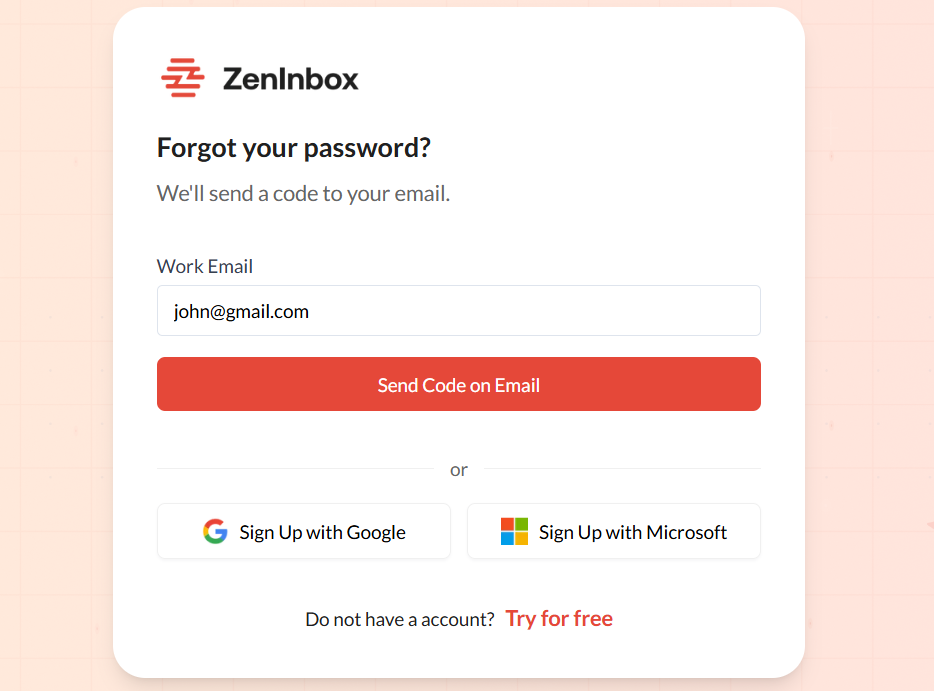
Forgot Your Password?: Click Forgot Password on the login page to reset it via email.
SSO Login Fails: Ensure you are using the correct IDP credentials and that your email matches the one registered in Zeninbox.
Verification Email Not Received: Check your spam folder or request a new verification email from the sign-up page.
Creating and signing into your Zeninbox account is designed to be flexible and secure, with options to suit different user preferences. Choose the method that best fits your needs and start managing your emails efficiently.